
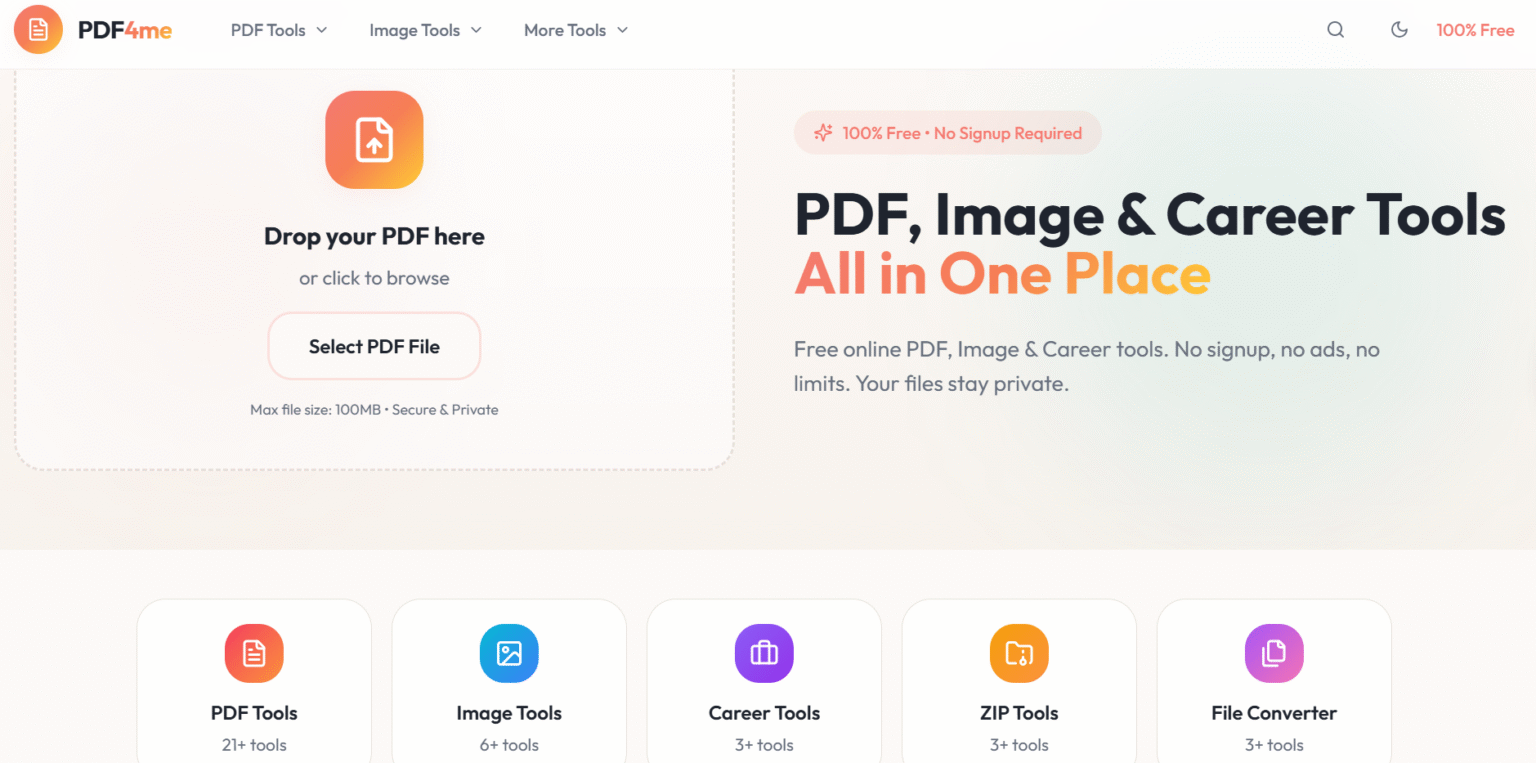
PDF4me is the Best Free All-in-One Tool of 2026
PDF4me is a free, no-signup, all-in-one toolkit that lets anyone handle PDFs, images, ZIP files, and basic career tasks from a single, clean web interface, completely ad-free and privacy-focused. It is designed as a lifetime-free productivity hub, ideal for students, professionals, creators, and small businesses who want quick document fixes without installing software or creating an account.
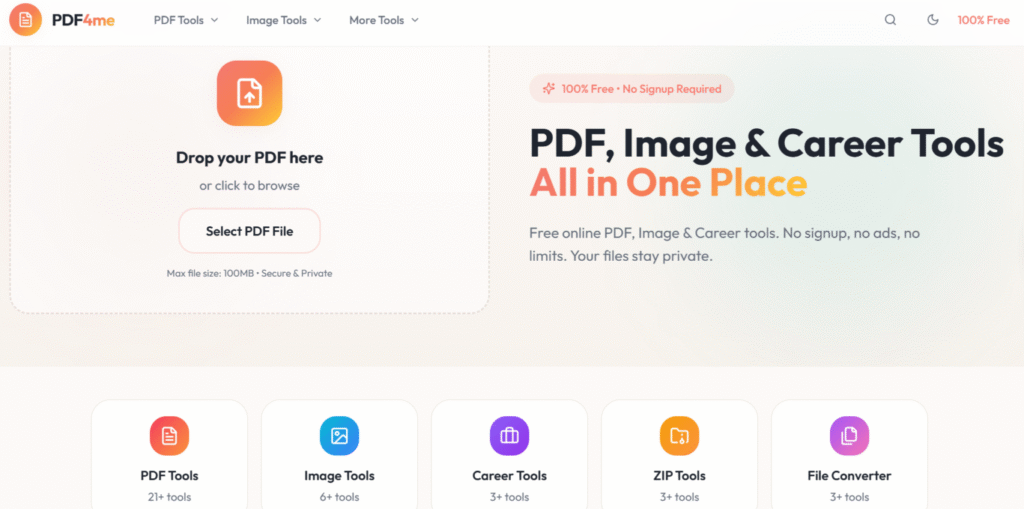
PDF4me Features
PDF4me packs comprehensive tools into one dashboard: PDF merger, splitter, compressor, editor, signer, OCR scanner, image to PDF converter, ZIP handler. Advanced options include annotations, watermarks, password protection, repairs, and batch processing up to 20 files.
- Merge & Split: Combine or divide PDFs quickly without quality loss.
- Edit & Annotate: Add text, shapes, highlights, stamps, or erase content.
- Convert: Transform Word, Excel, PPT, JPG/PNG to/from PDF, with OCR for scans.
- Sign & Secure: eSign documents, add passwords, or unlock protected files.
- Optimize: Compress for web, generate thumbnails, barcodes, or repair corrupt files.
These PDF4me features ensure versatility for any document task.
PDF4me Benefits
PDF4me benefits include zero cost for core functions, no ads or watermarks, GDPR-compliant security, and mobile/web access. Save time with fast processing, reduce storage via compression, and scale workflows via unlimited free jobs.
Users gain 90% of premium editor power for free, avoiding Adobe subscriptions while maintaining professional outputs. Benefits extend to automation integrations, boosting efficiency by 50% for repetitive tasks like bulk conversions.
Image, ZIP, and career tools
Beyond PDFs, the platform also provides focused utilities for images, archives, and basic professional documents, making it a broader file-utility hub.
Non-PDF modules:
- Image tools: Convert PDFs to images and images to PDF, resize, crop, and prepare graphics for web or documents.
- ZIP tools: Pack or unpack files, combine multiple processed outputs into a single ZIP for easier sharing and archiving.
- Career tools: Simple helpers for CVs and document preparation that make it easier to format and share professional files online.
Because everything runs in the browser, users can jump between tools in one session—for example, extract images from a PDF, tweak them, convert back to PDF, and compress the final file without leaving the site.
How to Use PDF4me
Using PDF4me is straightforward: Visit the site, drag-and-drop files, select a tool, and download results instantly. No signup required for basics; process merges by uploading multiples and clicking “Merge PDF”.
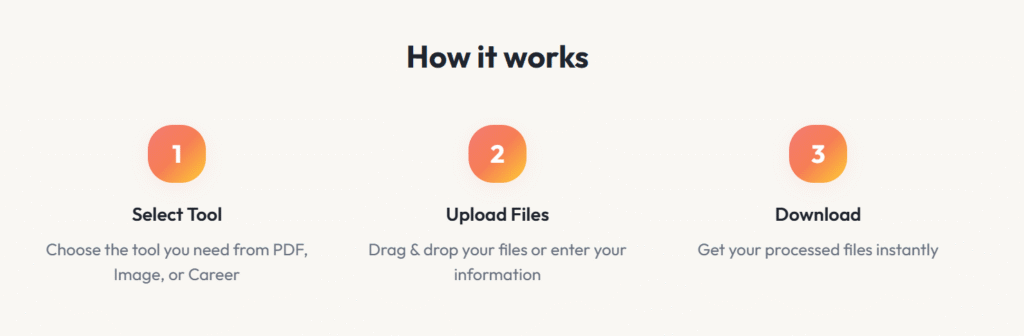
- Open homepage and drop PDF or browse files.
- Choose category: PDF tools, image tools, OCR, converters.
- Customize options (e.g., pages to split) and hit process.
- Preview, then download or share securely.
Why Use PDF4me
Choose PDF4me for its unmatched free value in 2026 – superior speed, accuracy, and limits over rivals like iLovePDF. Why use PDF4me? Reliability from 4.5+ ratings, no desktop installs, and features like OCR absent in basic free tools.
Perfect for daily needs: freelancers compress client files, teams automate approvals, creators export blogs as PDFs. Its all-in-one nature eliminates tool-switching, delivering pro results effortlessly.
read more..